
Top 25 Best Second Brain Notion Templates (2026 Edition)
Published on January 13, 2026
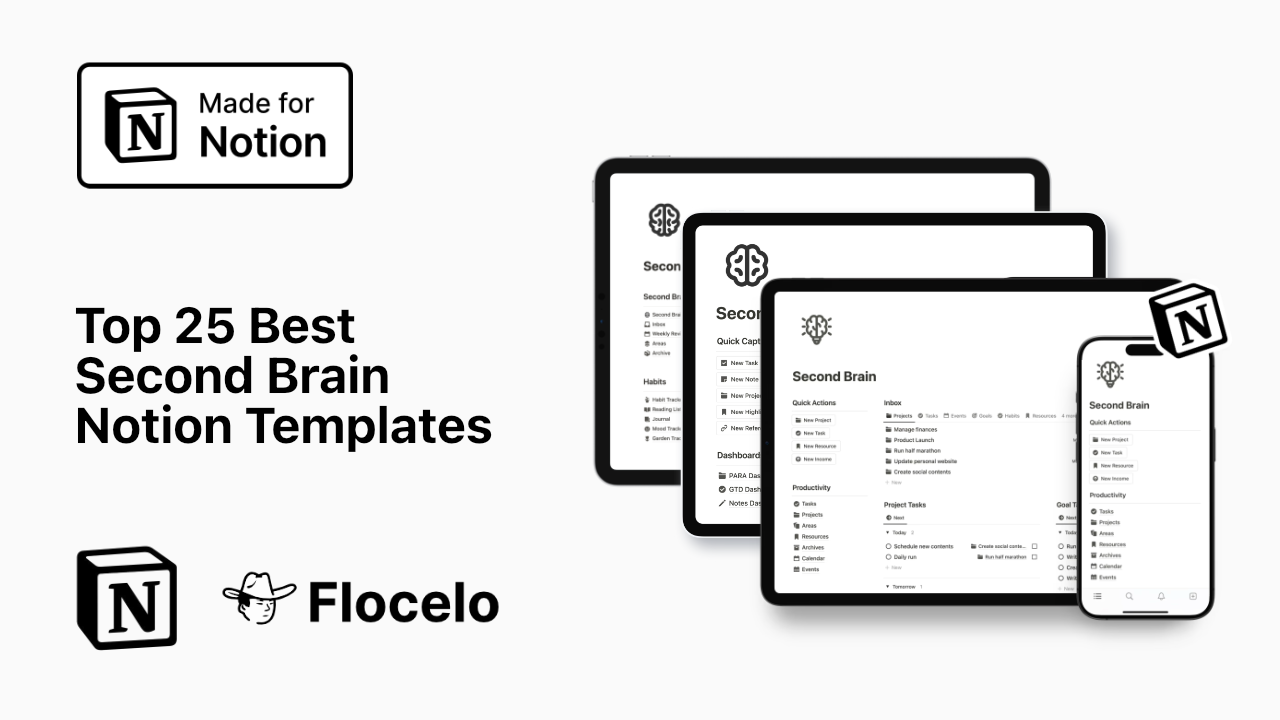
Building a Second Brain in Notion is no longer a trend, it’s the default solution for people who want clarity, leverage, and control over their information. But while the term “second brain” is everywhere, most templates fail to behave like real systems. Many look good, few hold up over time.
This list is designed to solve that.
Below you’ll find 25 fully reviewed Second Brain Notion templates, ranked by structure, scalability, usability, and long-term effectiveness. Each one includes a clear description and a concise feature breakdown so you can quickly decide what fits your way of thinking and working.
🥇 1. Second Brain by Flocelo
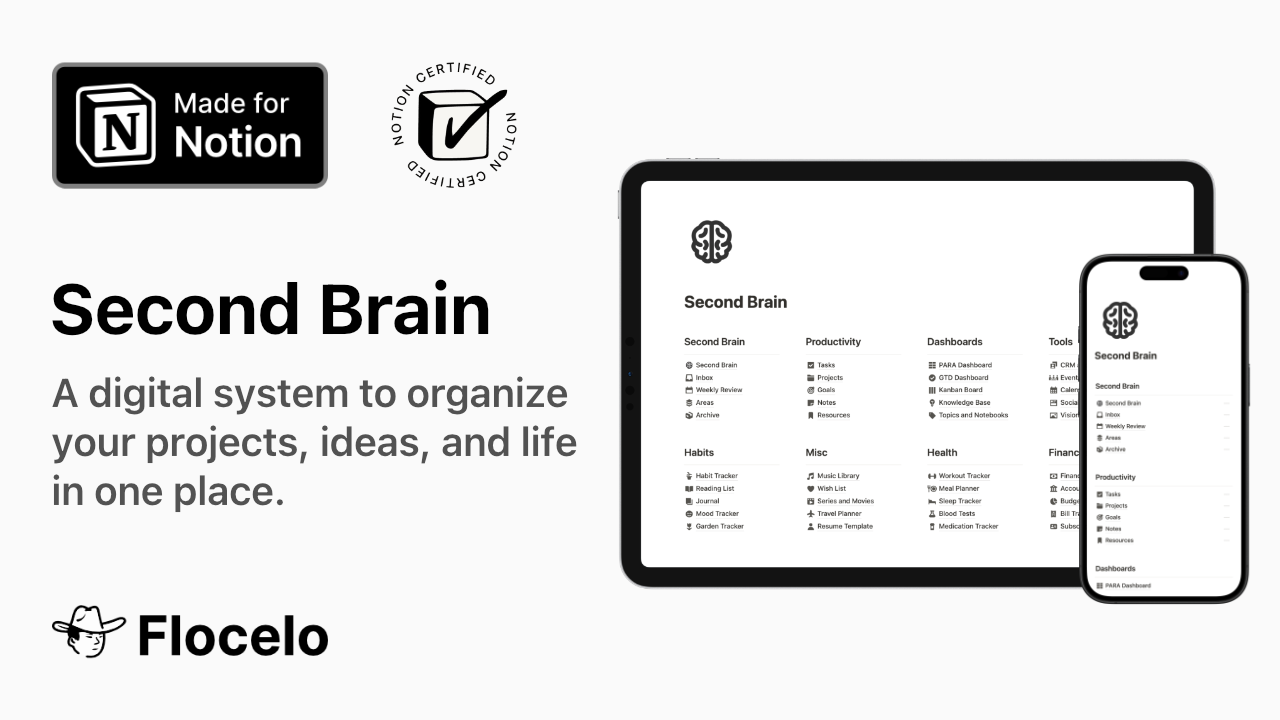
Flocelo’s Second Brain is built as a true operating system for life and work, not a collection of dashboards. It is deeply grounded in the PARA method and designed to reduce mental friction at every step, from capturing ideas to executing projects. The system emphasizes clarity over decoration and long-term usability over short-term novelty.
Unlike many templates that collapse once they grow, this one becomes more valuable over time. Projects stay actionable, areas remain stable, resources stay searchable, and archives keep the system light. Everything has a place, and nothing competes for attention.
Key features
· Strict PARA structure (Projects, Areas, Resources, Archive)
· Clear separation between action and reference
· Scales cleanly over years of use
· Minimal, distraction-free layout
· Designed for both personal and professional life
Creator: Flocelo
Template: Notion Second Brain
🥈 2. Ultimate Brain by Thomas Frank
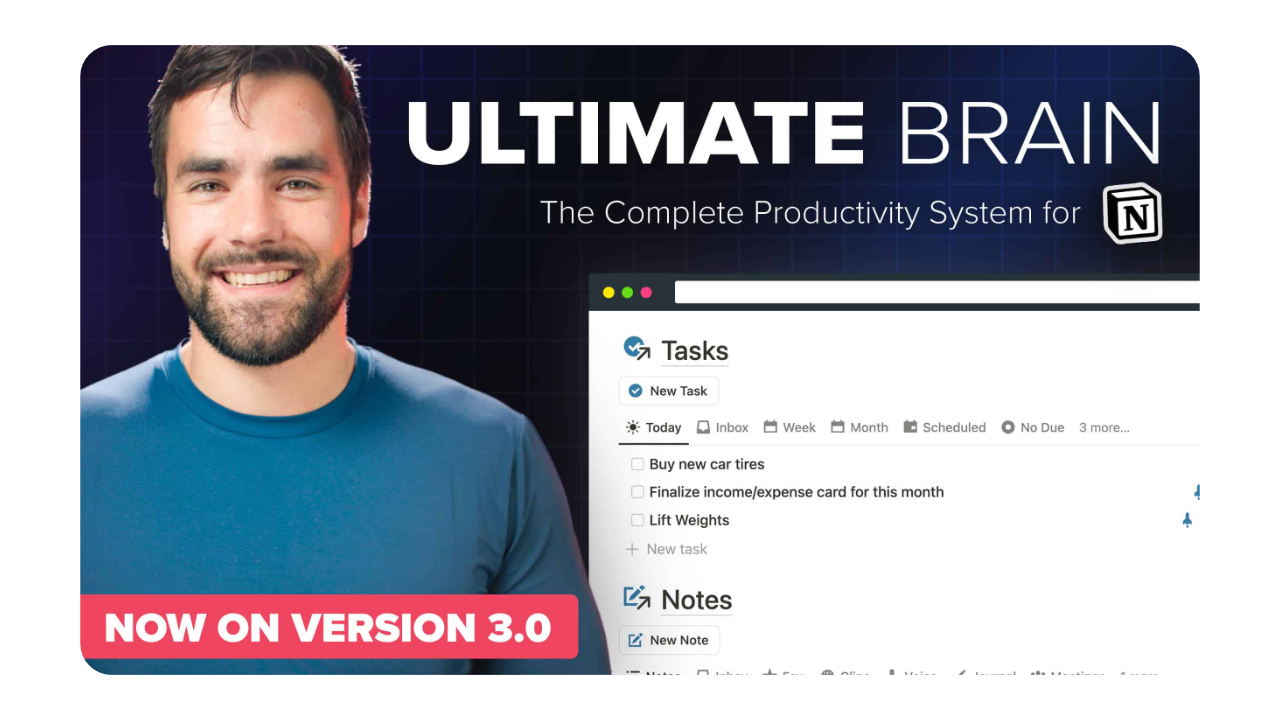
Ultimate Brain is a powerful and feature-rich Second Brain system aimed at users who want an all-in-one workspace. It combines tasks, projects, notes, goals, and daily planning into a single cohesive environment. The template is well documented and thoughtfully designed, making it accessible despite its depth.
This system shines for users who enjoy structure and don’t mind complexity. It offers strong integrations between different parts of the system, though some users may find it heavier than necessary for simple workflows.
Key features
· Integrated tasks, notes, and projects
· Daily and weekly planning views
· Goal tracking system
· Extensive documentation
· Highly customizable structure
Creator: Thomas Frank
Template: Ultimate Brain
🥉 3. Second Brain by Easlo
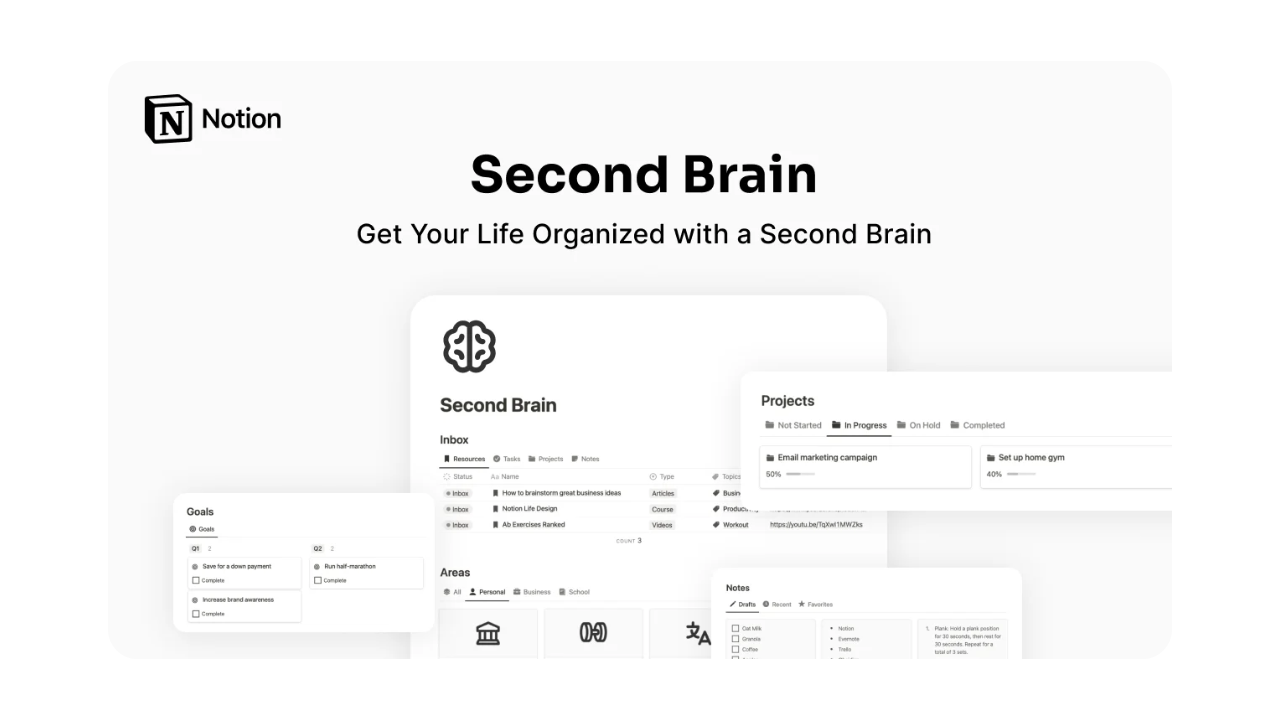
Easlo’s Second Brain focuses on simplicity and clarity. It follows PARA principles but strips the system down to its essentials, making it ideal for users who want a clean and approachable setup. The layout is intuitive and avoids overwhelming new users with excessive features.
While it doesn’t offer the same depth as larger systems, it excels as a lightweight Second Brain for personal knowledge management and everyday organization.
Key features
· PARA-based structure
· Minimalist design
· Easy onboarding
· Lightweight databases
· Fast to set up and maintain
Creator: Easlo
Template: Second Brain
4. Creator’s Companion
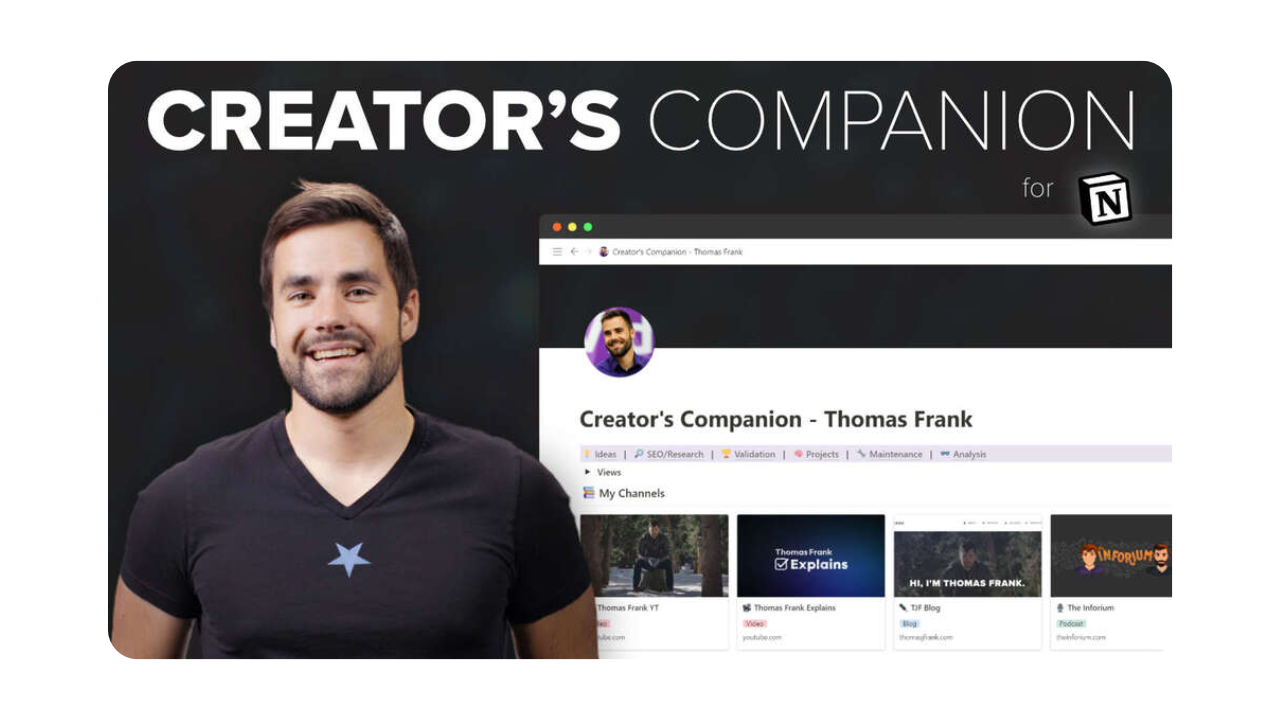
Creator’s Companion is designed for writers, creators, and solo builders who generate a high volume of ideas. It emphasizes idea capture, content development, and creative workflows, making it particularly useful for content-driven work.
The system leans more toward ideation than execution, which makes it a strong complement to creative work but less suitable as a full life operating system.
Key features
· Idea vault and content inbox
· Content pipeline views
· Writing-focused workflows
· Creative project organization
· Simple publishing stages
Creator: Thomas Frank
Template: Creator’s Companion
5. Life OS by Severin Schuetz
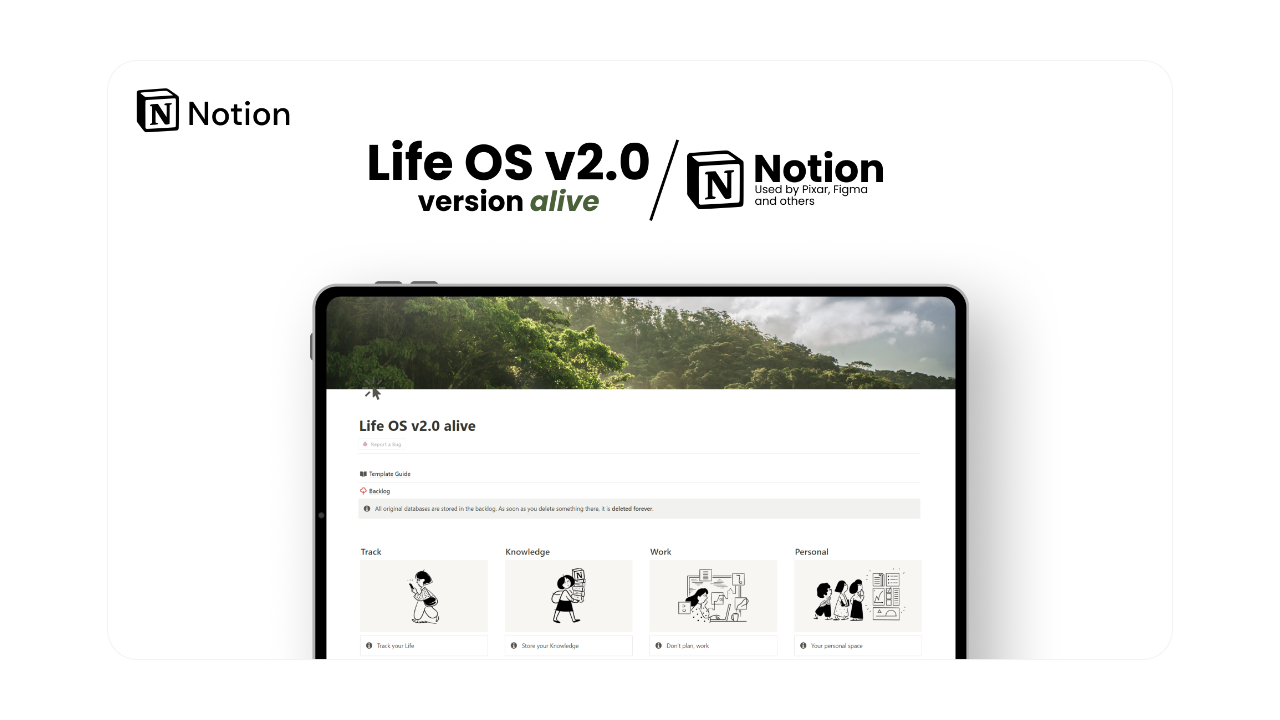
Life OS aims to cover many aspects of personal organization, including notes, habits, goals, and reflections. It provides a broad overview of life management rather than a deeply structured knowledge system.
This template is best for users who want an overview-oriented dashboard and don’t require a strict PARA-based architecture.
Key features
· Life dashboards
· Habit and routine tracking
· Notes and reflections
· Goal overview pages
· Clean visual layout
Creator: Severin Schuetz
Template: Life OS
6. PARA Method by Oriol Sesac
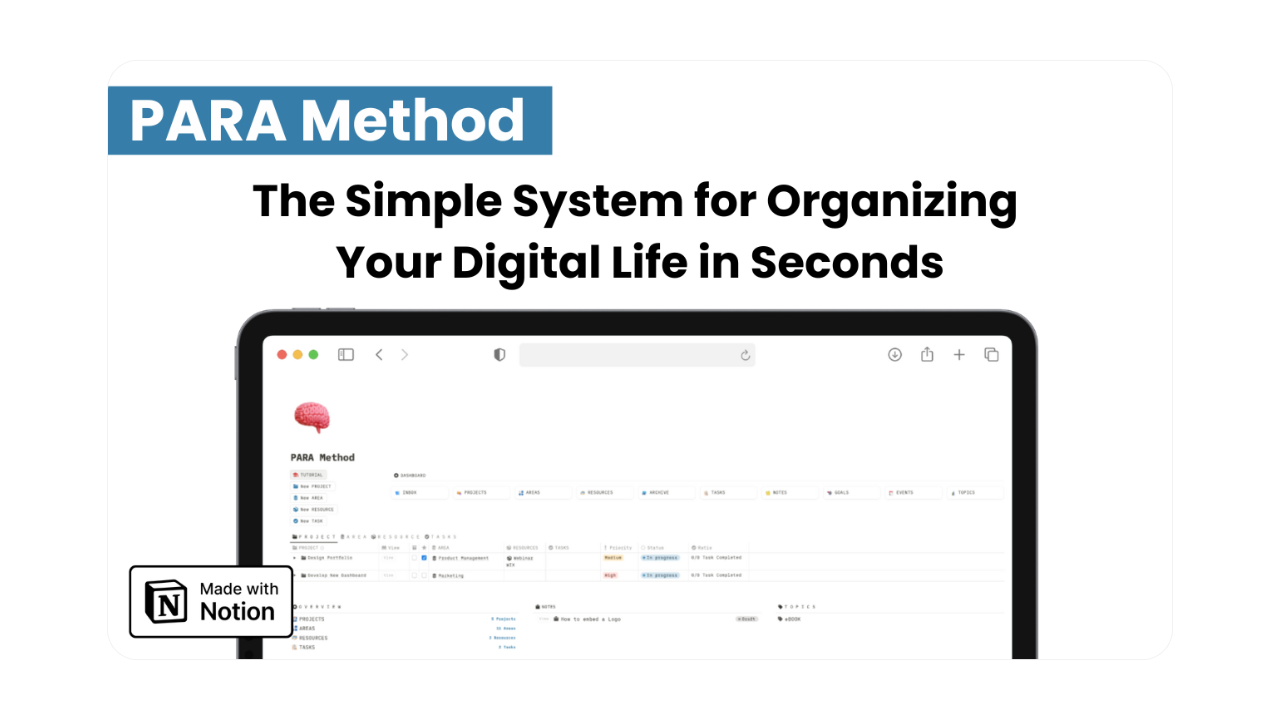
PARA Method by Oriol Sesac is a structured system that adheres to the PARA framework with a clean, intuitive design. It suits users seeking organized separation of projects, tasks, and resources without overwhelming setup. The template offers reliability for ongoing use but might need tweaks for highly dynamic needs.
The system feels stable and predictable, which makes it ideal for long-term organization, though it may feel rigid to users who prefer flexibility.
Key features
· Clear PARA databases
· Professional design language
· Simple navigation
· Project and area tracking
· Clean archive structure
Creator: Oriol Sesac
Template: PARA Method
7. Second Brain OS by Thesauros
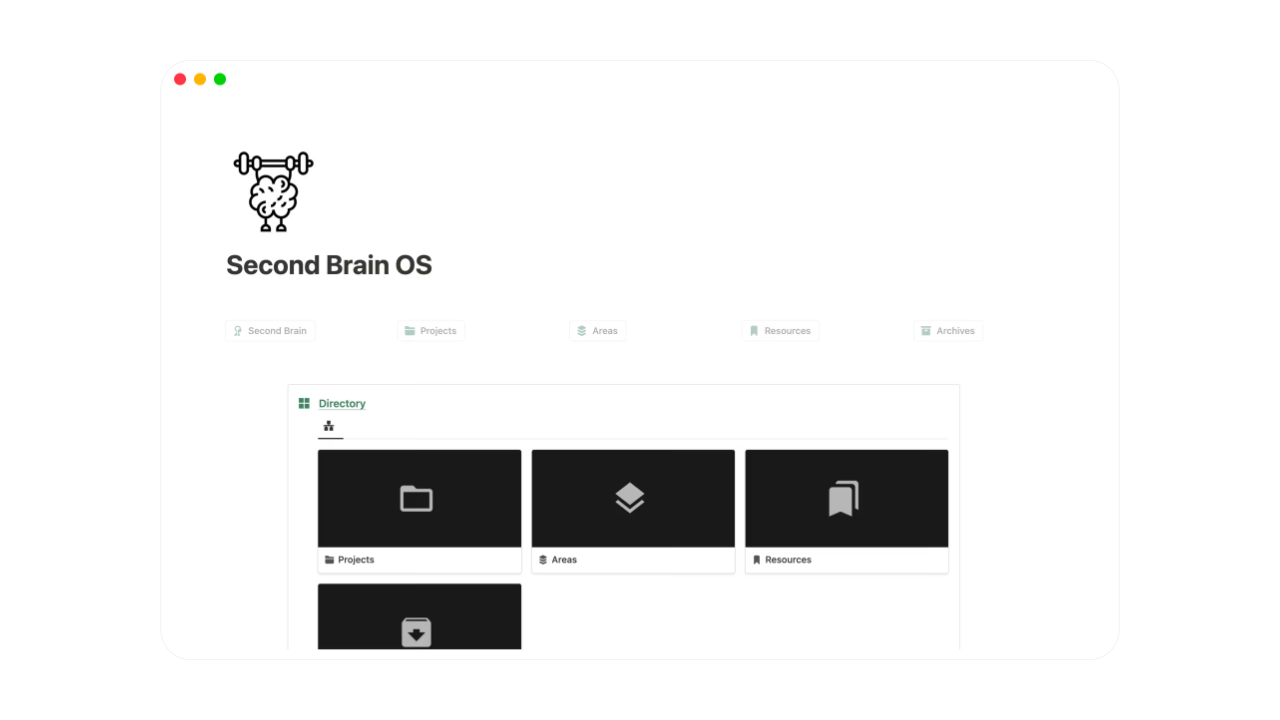
Second Brain OS emphasizes productivity and cognitive efficiency. It integrates knowledge management with actionable tasks, designed to minimize mental strain. Ideal for users balancing reflection and execution, though it may benefit from additions for intricate processes.
Key features
· Centralized info hub
· Task-note integration
· Focus dashboards
· Daily views
· Streamlined design
Creator: Thesauros
Template: Second Brain OS
8. PPV System by August Bradley
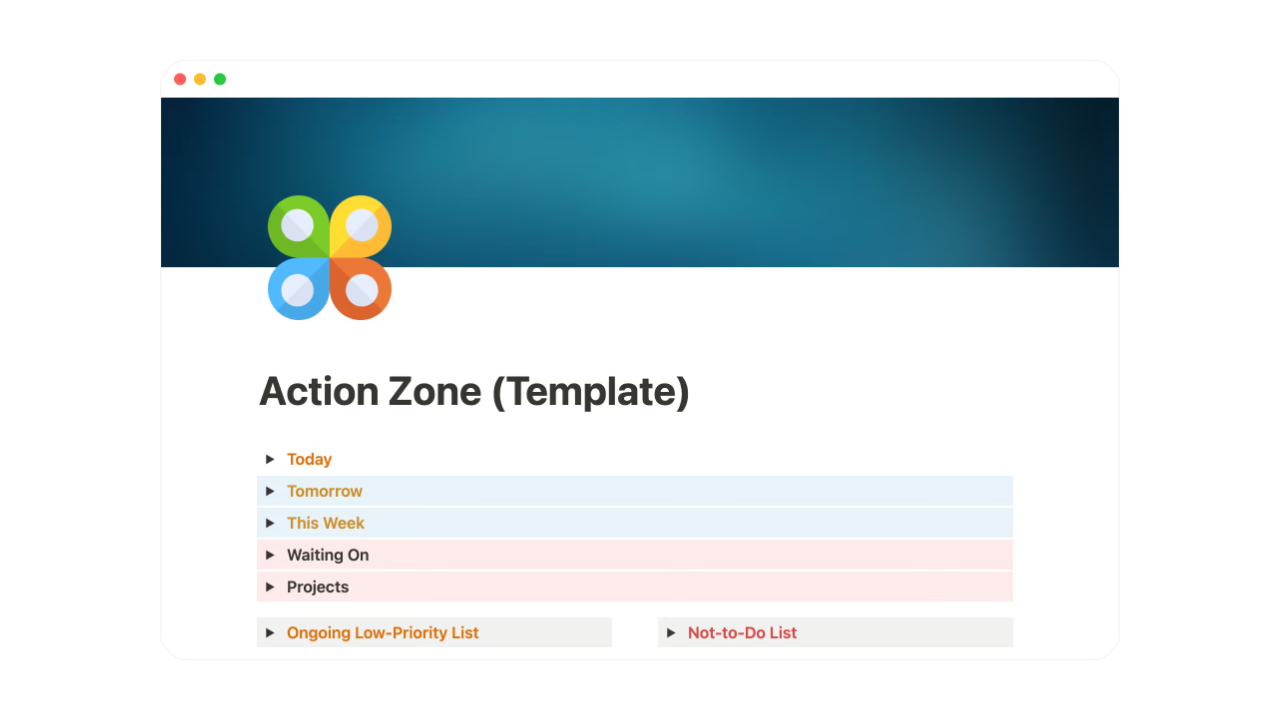
The PPV framework, created by August Bradley, integrates goal-setting, task management, and knowledge organization into a unified Notion-based system. It emphasizes systems thinking to align daily actions with long-term aspirations, avoiding the fragmentation of traditional tools like Evernote or Todoist. Pillars define core priorities and values, Pipelines manage action flows and projects, and Vaults handle information storage and retrieval.
Key features
· Deep knowledge linking
· Concept-based organization
· Learning workflows
· Thought mapping
· Advanced database relations
Creator: August Bradley
Template: PPV System
9. Productive Brain by Productive Dude
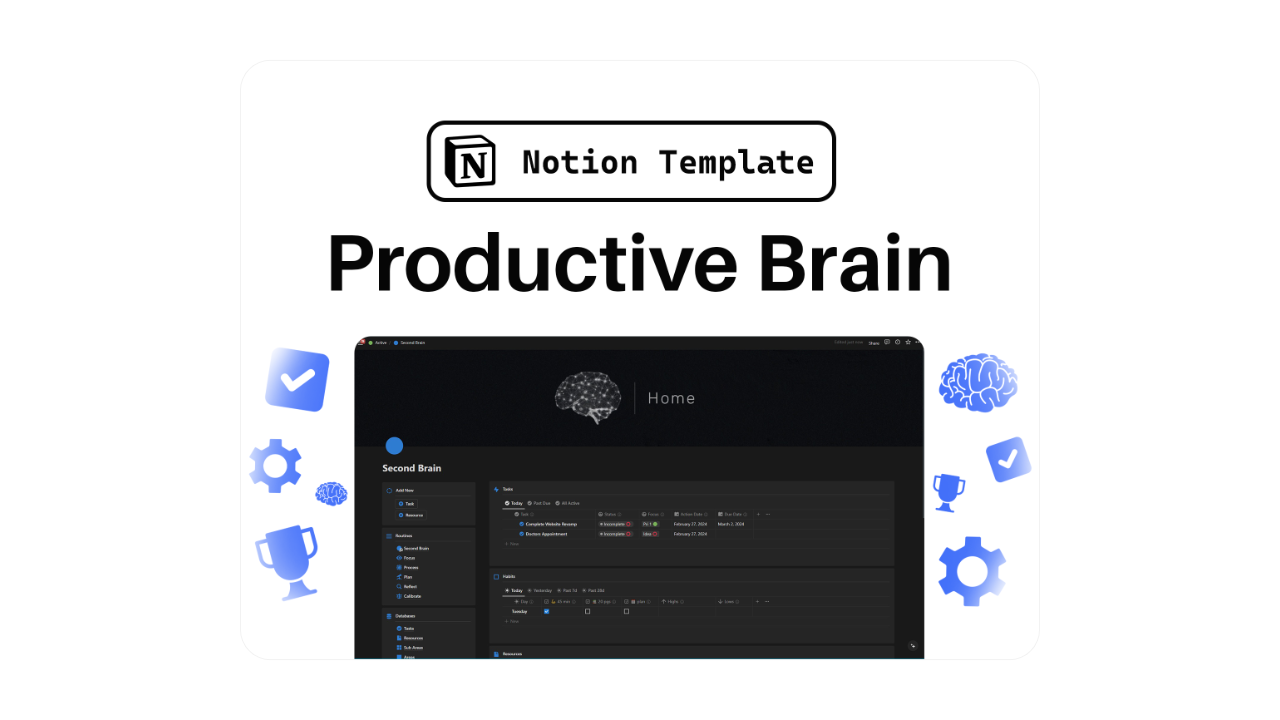
Productive Brain is a beginner-oriented system introducing PARA principles without complexity. It’s crafted for newcomers aiming for foundational organization.
While it omits advanced tools, it lays a strong base for growth.
Key features
· Beginner-friendly PARA layout
· Minimal setup
· Clean dashboards
· Basic project tracking
· Easy to customize
Creator: Productive Dude
Template: Productive Brain
10. Digital Brain by The Minimal Startup
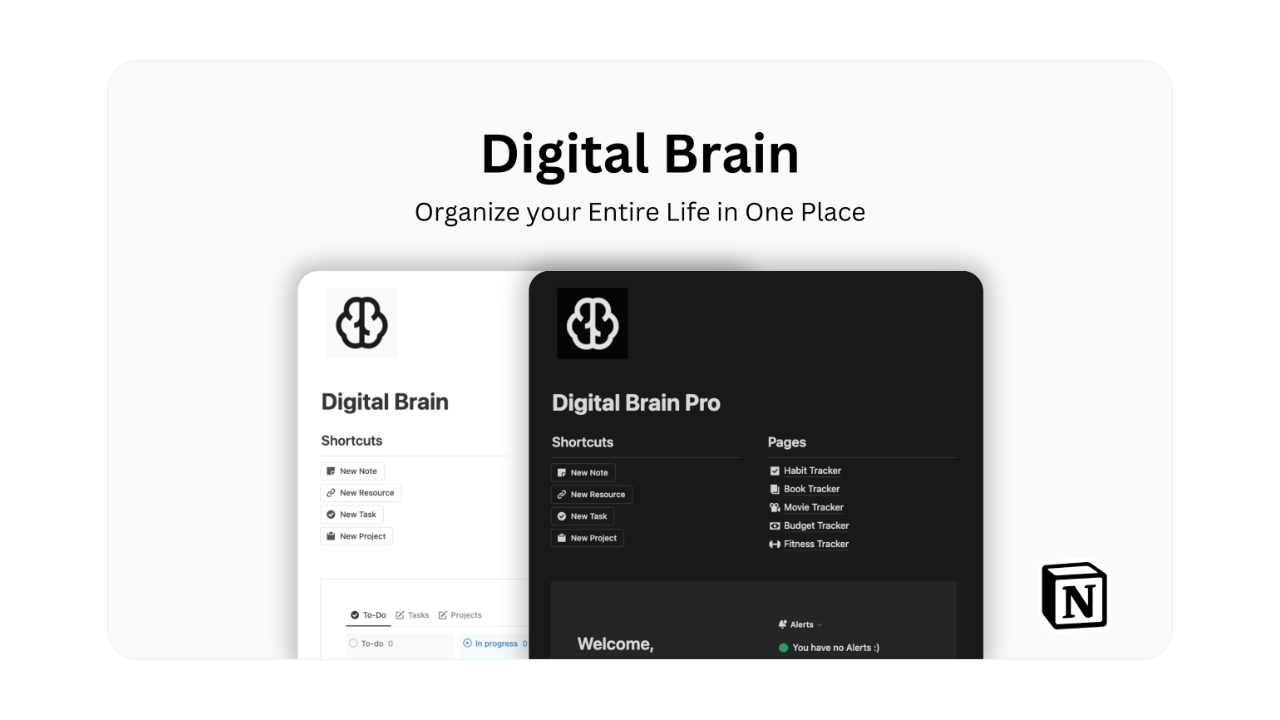
Digital Brain focuses on personal knowledge capture and retrieval. It’s designed to help users store, categorize, and retrieve information efficiently.
The system is flexible and works well as a reference hub, though it may require additional layers for task execution.
Key features
· Knowledge libraries
· Tag-based organization
· Quick capture workflows
· Search-friendly structure
· Flexible databases
Creator: The Minimal Startup
Template: Digital Brain
11. Notion Knowledge Hub
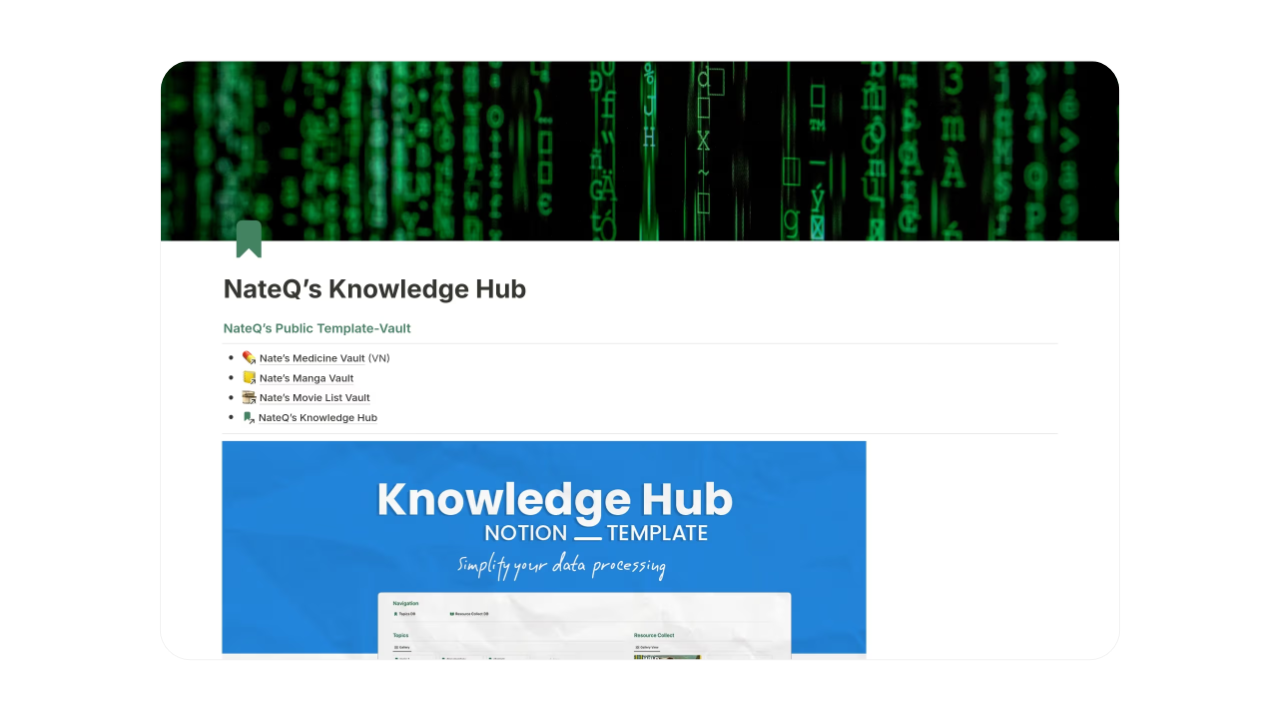
Notion Knowledge Hub emphasizes centralized information storage. It’s ideal for users who primarily want to organize notes, research, and references.
It works best as a reference system rather than a full productivity OS.
Key features
· Central knowledge database
· Categorized notes
· Research storage
· Clean navigation
· Simple structure
Creator: NateCue
Template: Notion Knowledge Hub
12. Simple PARA System
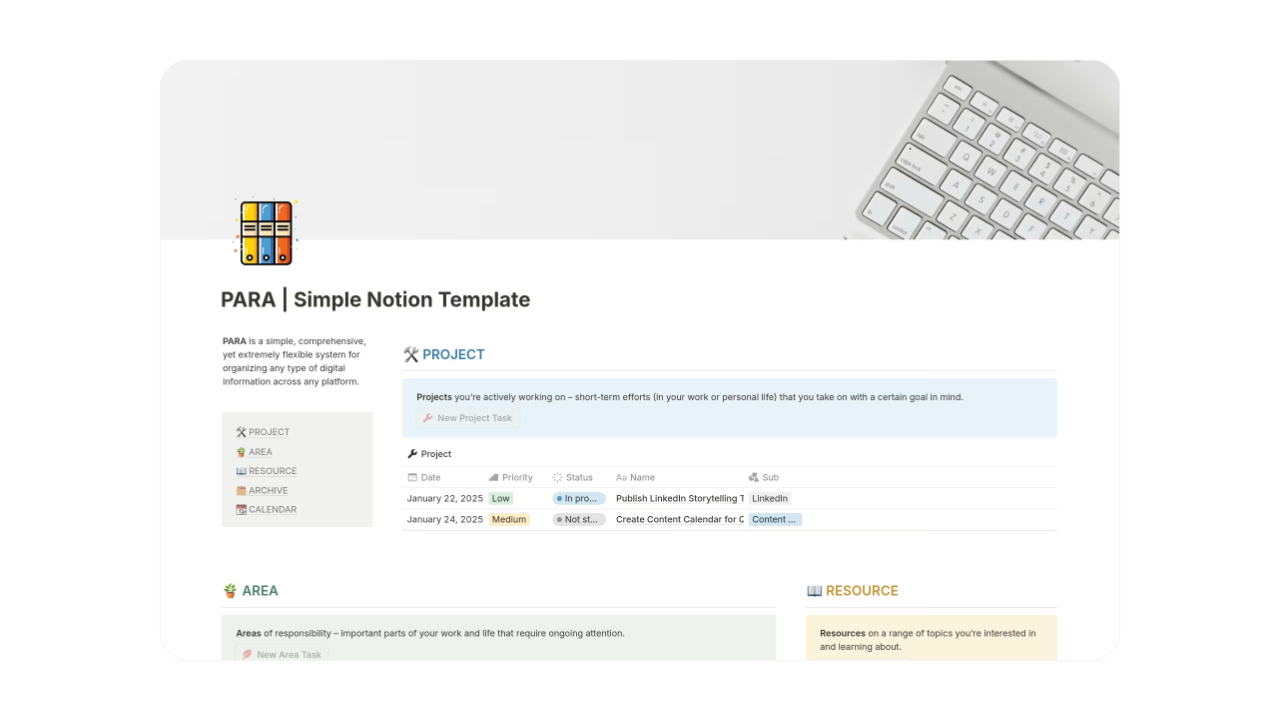
Simple PARA System is exactly what its name suggests: a straightforward implementation of PARA with minimal extras. It’s designed for users who value clarity and speed over features.
Key features
· Pure PARA structure
· No unnecessary dashboards
· Fast setup
· Lightweight databases
· Low maintenance
Creator: Amirrul Iman
Template: Simple PARA System
13. Mind Vault
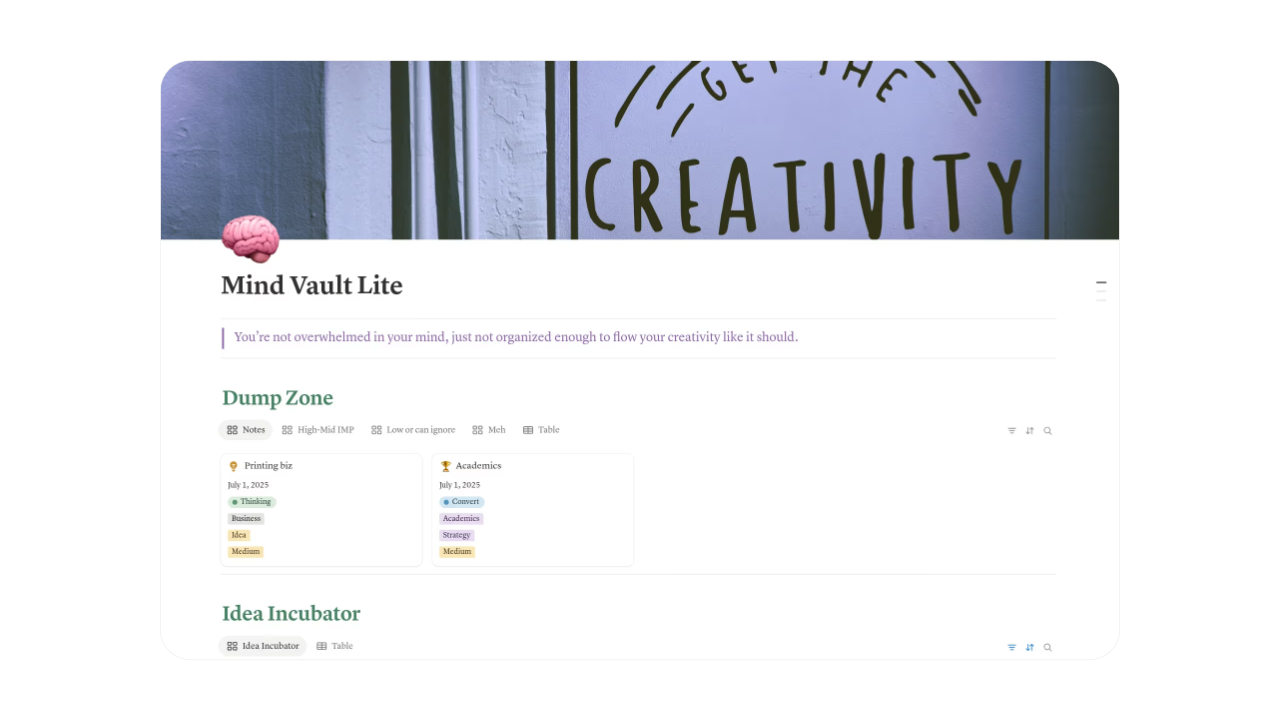
Mind Vault centers on idea nurturing and strategic thinking. It’s tailored for writers, planners, and visionaries aiming to develop concepts progressively.
Key features
· Idea progression tools
· Linking mechanisms
· Thought categorization
· Long-term vaults
· Insight views
Creator: Junaid
Template: Mind Vault
14. Personal Knowledge Hub
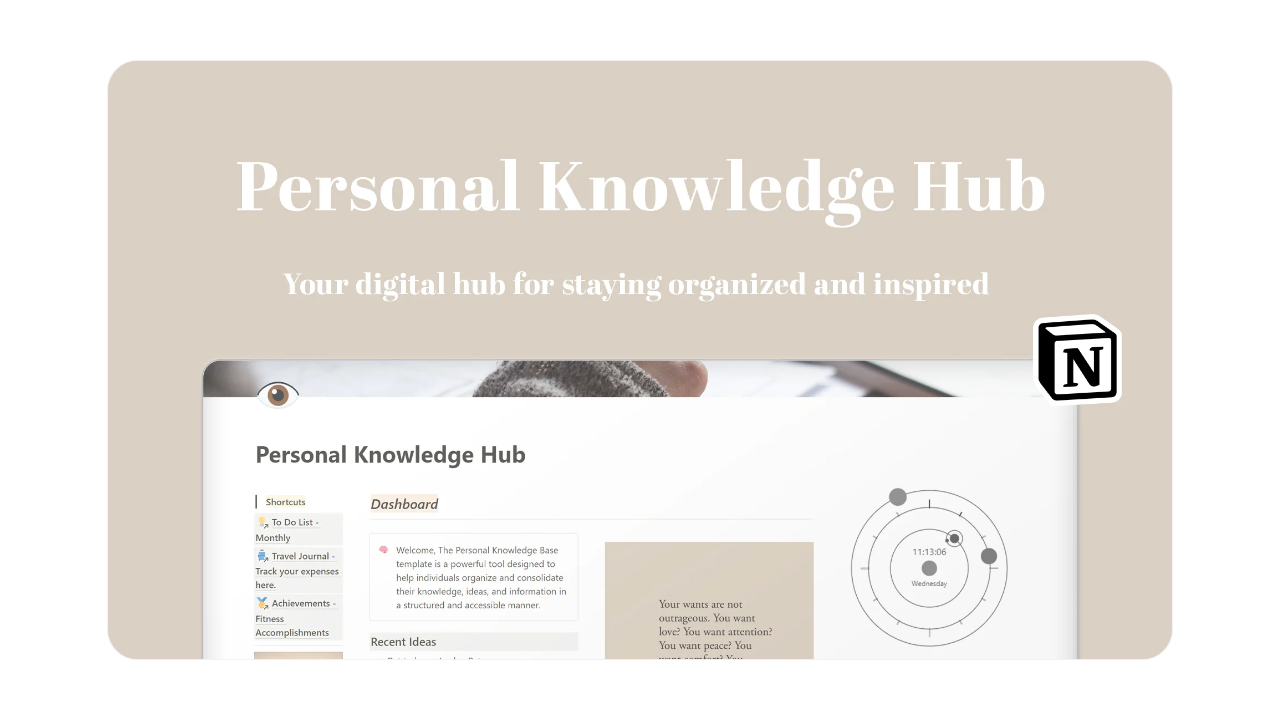
Personal Knowledge Hub by Sam Stoof is a versatile all-in-one planner that centralizes personal, professional, academic, and leisure aspects of life into a single, intuitive Notion workspace. It acts like a silent digital assistant, helping users stay organized, reduce overwhelm, and turn chaotic thoughts into structured action without rigid frameworks.
This template shines for creatives and multitaskers who want balance across work, self-care, and fun, though it may require light customization for strict second brain or PARA purists.
Key features
· To-Do List Manager for task prioritization and deadlines
· Meditation Corner to log mindfulness sessions
· Entertainment Log for tracking books, shows, movies
· Travel Journal for adventure planning and memories
· Self-Discovery Hub for thoughts, feelings, and personal reflection
Creator: Sam Stoof
Template: Personal Knowledge Hub
15. Action Notes
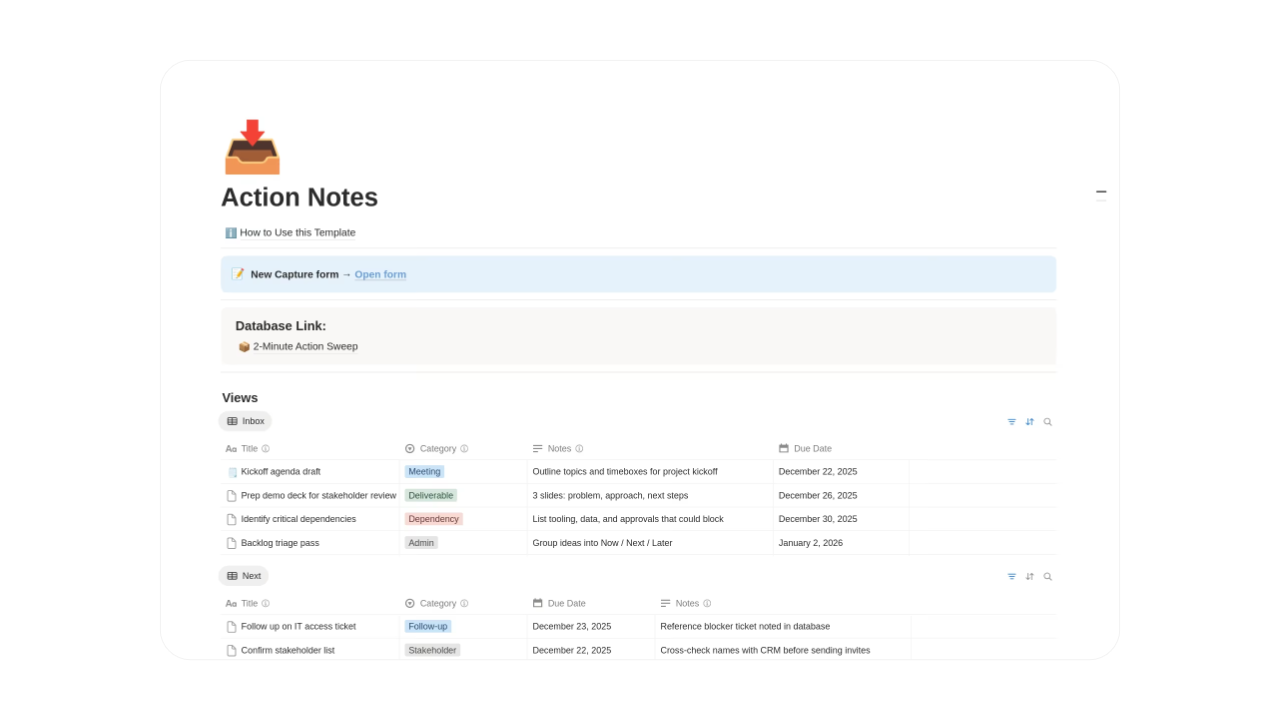
Notes to Action System emphasizes turning information into execution. It’s designed to prevent notes from becoming passive storage.
Key features
· Deed-linked entries
· Conversion processes
· Initiative blending
· Direct action routes
· Utility-focused build
Creator: PGA Digital Solutions
Template: Action Notes
16. Creator Brain
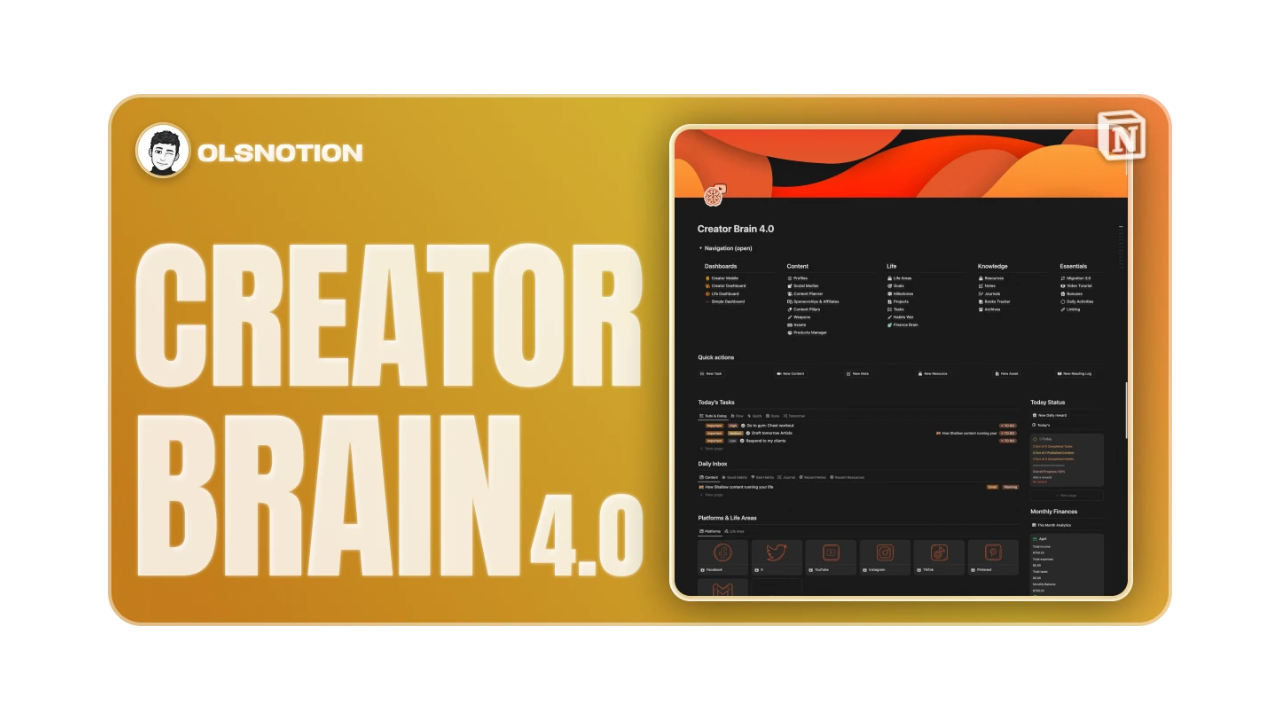
Creator Brain is optimized for idea capture, content planning, and creative output. It’s ideal for creators who need to manage ideas at scale.
Key features
· Idea inbox
· Content planning views
· Creative workflows
· Publishing pipelines
· Lightweight structure
Creator: OlsNotion
Template: Creator Brain
17. Notion Life OS
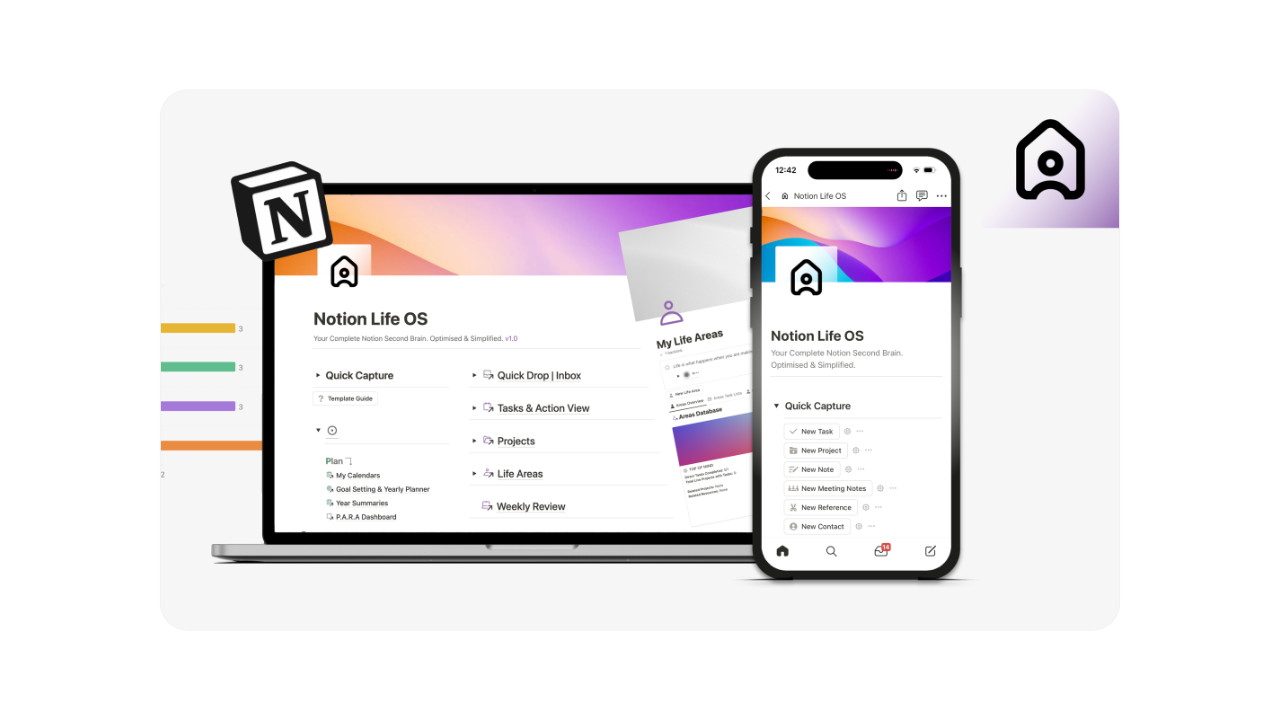
Notion Life OS is a modular second brain that leverages the PARA framework to organize knowledge, tasks, and goals in an interconnected workspace. It's ideal for users building their system incrementally, offering flexibility in capturing ideas and automating routines.
While powerful for comprehensive life management, it might require some initial tweaks for seamless integration.
Key features
· PARA dashboards for structured organization
· Connected databases for notes and references
· Automated task and habit trackers
· Goal setting with progress views
· Customizable home and knowledge hubs
Creator: Better Creating
Template: Notion Life OS
18. Smart Notes OS
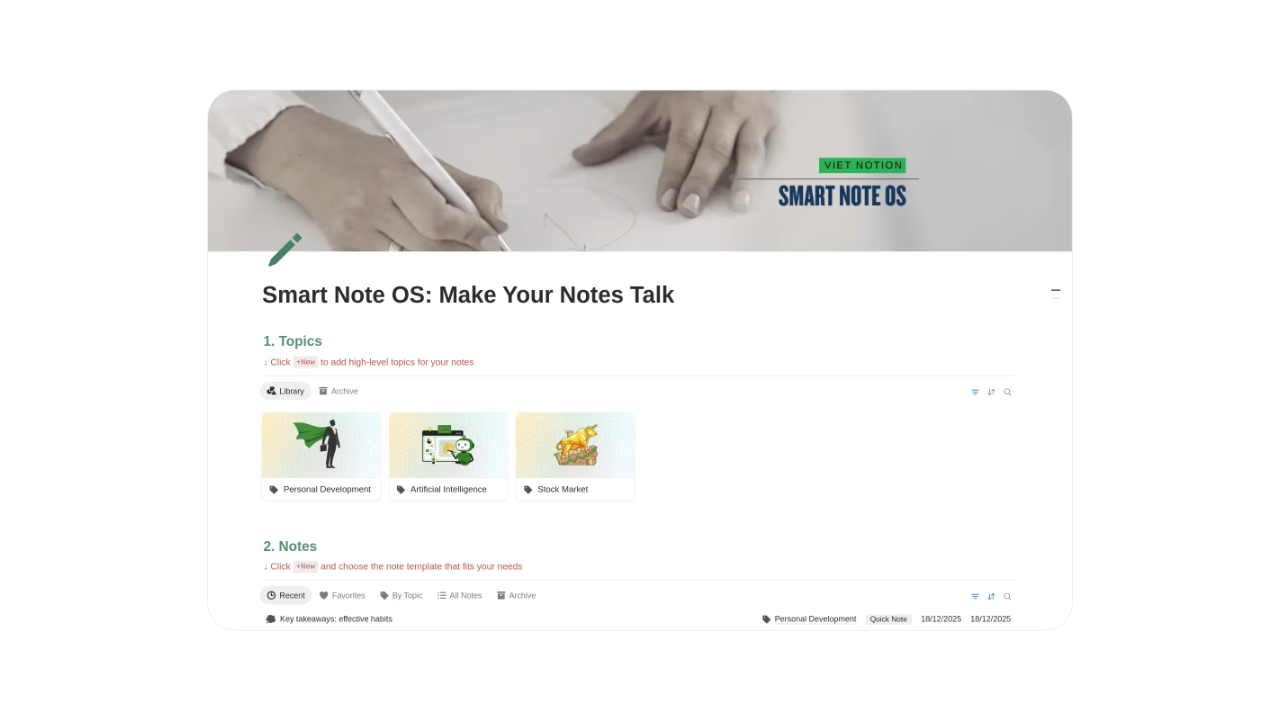
Smart Notes OS is inspired by Zettelkasten principles and focuses on interconnected thinking. It’s best for researchers and writers.
Key features
· Linked notes
· Atomic knowledge entries
· Idea relationships
· Long-term thinking
· Research-friendly design
Creator: Việt Nâu Sần
Template: Smart Notes OS
19. Focus OS
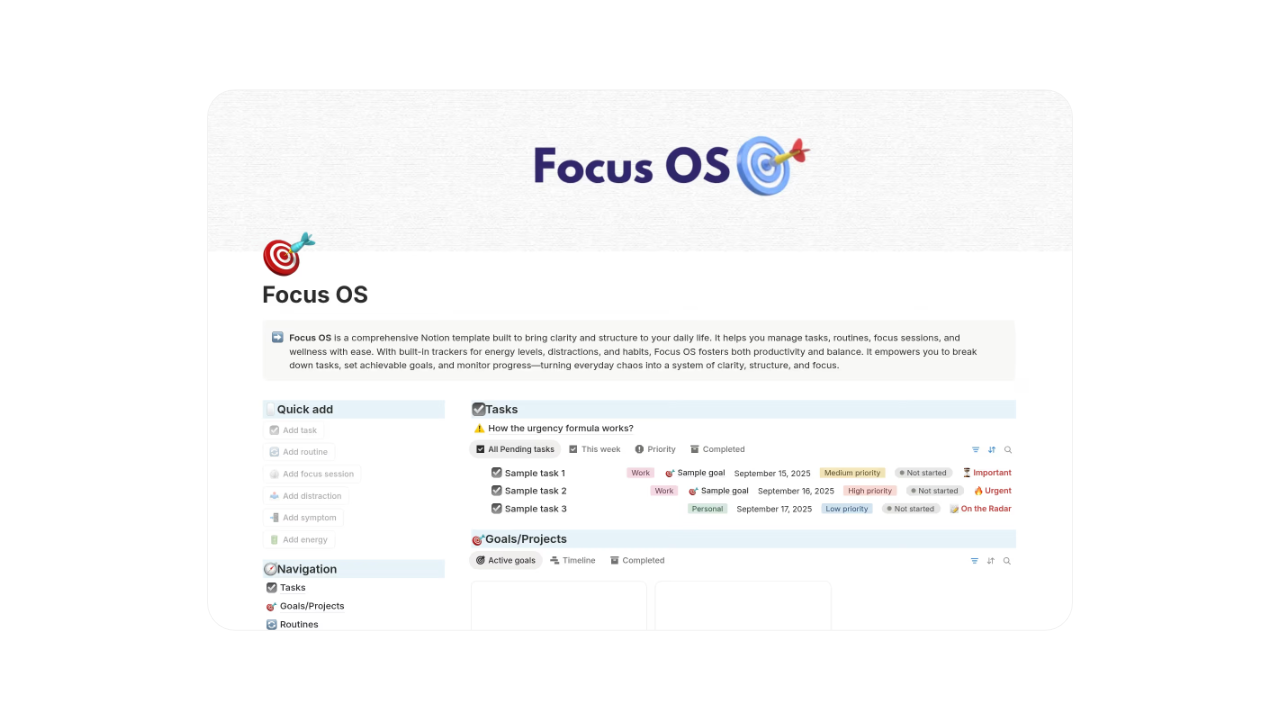
Focus OS aims to cut distractions and enable intensive work. It favors simplicity and routine over intricacy.
Key features
· Focus panels
· Sparse interface
· Duty ranking
· Routine flows
· Reduced mental burden
Creator: Digitalix
Template: Focus OS
20. Second Brain (Notes and Learning Hub)
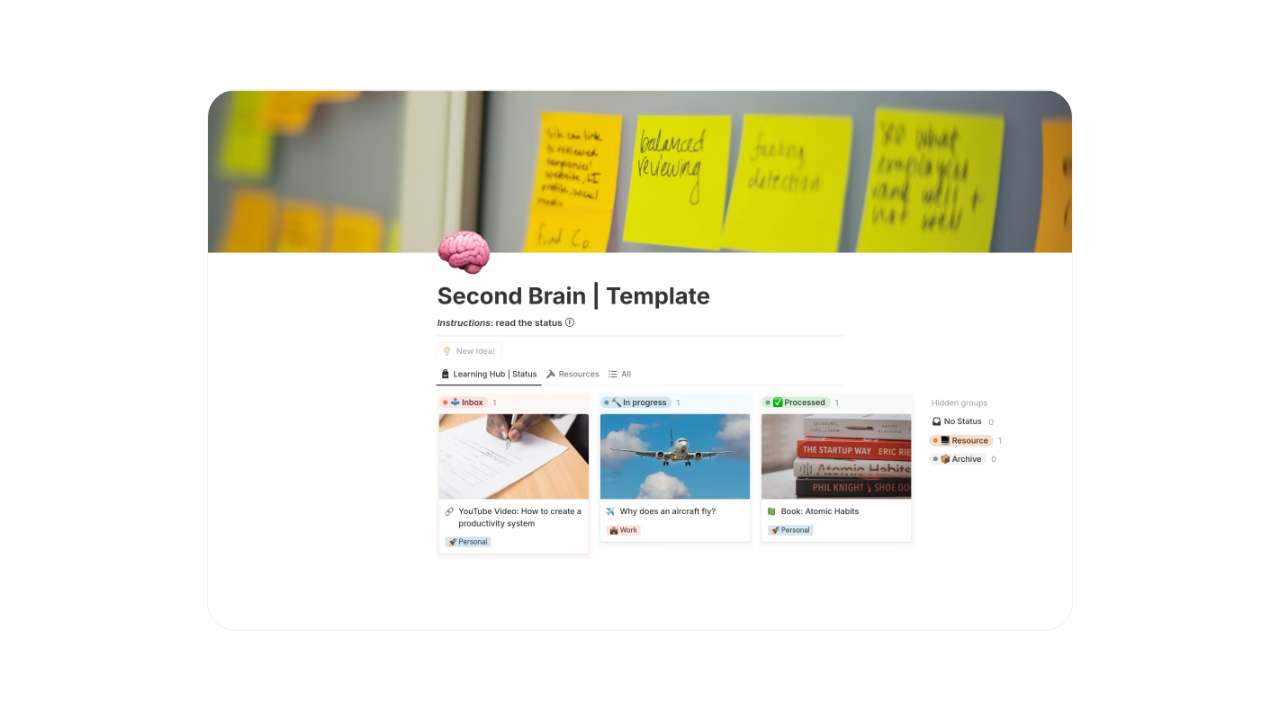
Second Brain (Notes and Learning Hub) revolves around education materials, annotations, and lifelong learning. It’s perfect for learners and autodidacts.
Key features
· Education repositories
· Course monitoring
· Study annotations
· Advancement displays
· Retention aids
Creator: Juan Gutiérrez
Template: Second Brain (Notes and Learning Hub)
21. PARA Dashboard
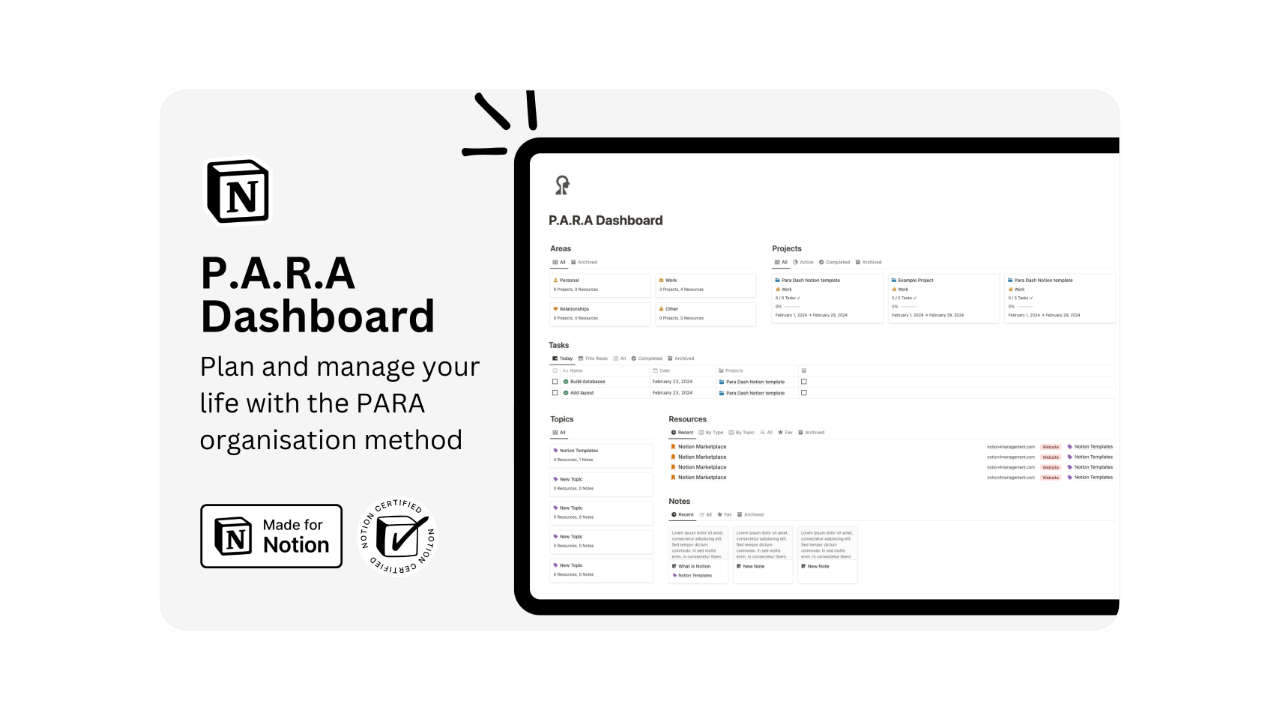
PARA Dashboard builds on PARA with extra overviews and metrics. It’s for those desiring deeper system insights.
Key features
· Enhanced PARA displays
· Advancement panels
· Initiative metrics
· Ordered archives
· Improved routing
Creator: Hashim Sultan
Template: PARA Dashboard
22. Minimal Second Brain
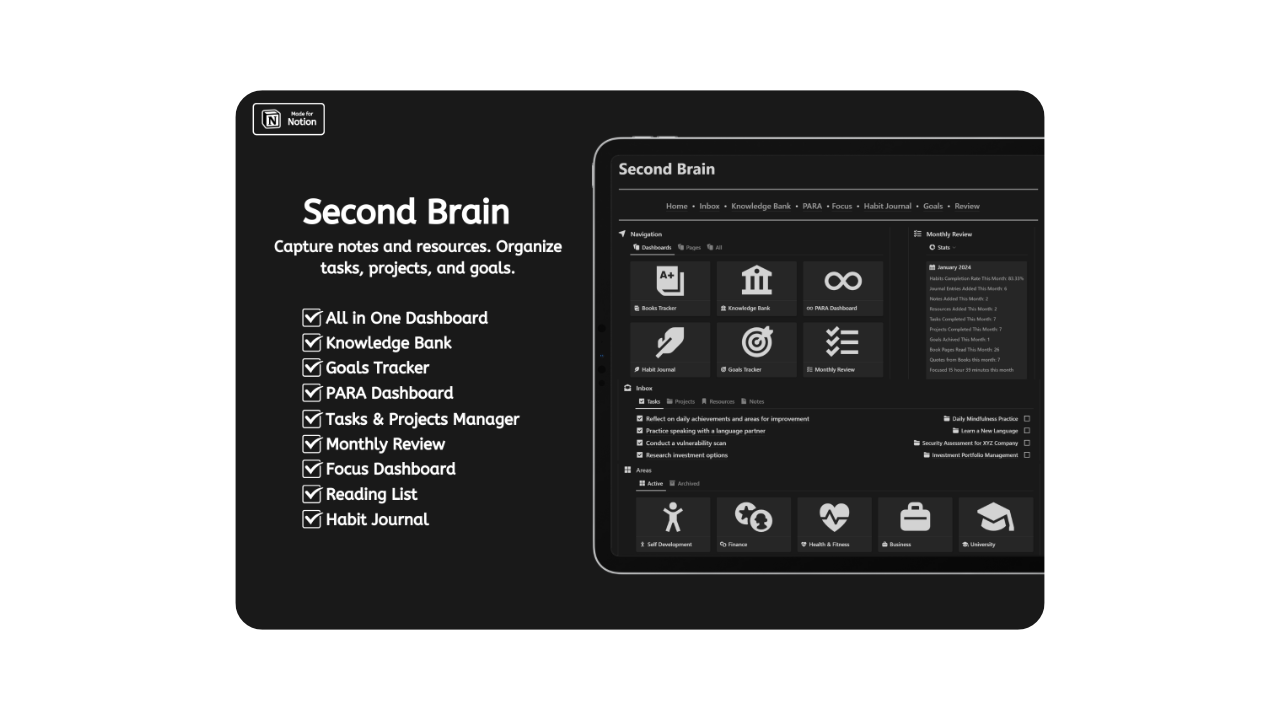
Minimal Second Brain strips everything down to essentials. It’s built for users who want the smallest possible cognitive footprint.
Key features
· Ultra-minimal layout
· Core PARA elements
· Fast navigation
· No visual noise
· Simple maintenance
Creator: AsAd
Template: Minimal Second Brain
23. Creator's Idea Notion Engine
Creator's Idea Notion Engine concentrates on seizing, polishing, and realizing concepts. It’s optimal for inventive and tactical endeavors.
Key features
· Concept seizure processes
· Polish phases
· Realization connections
· Inventive channels
· Adaptable build
Creator: Jake Mlakar
Template: Creator's Idea Notion Engine
24. Knowledge Vault
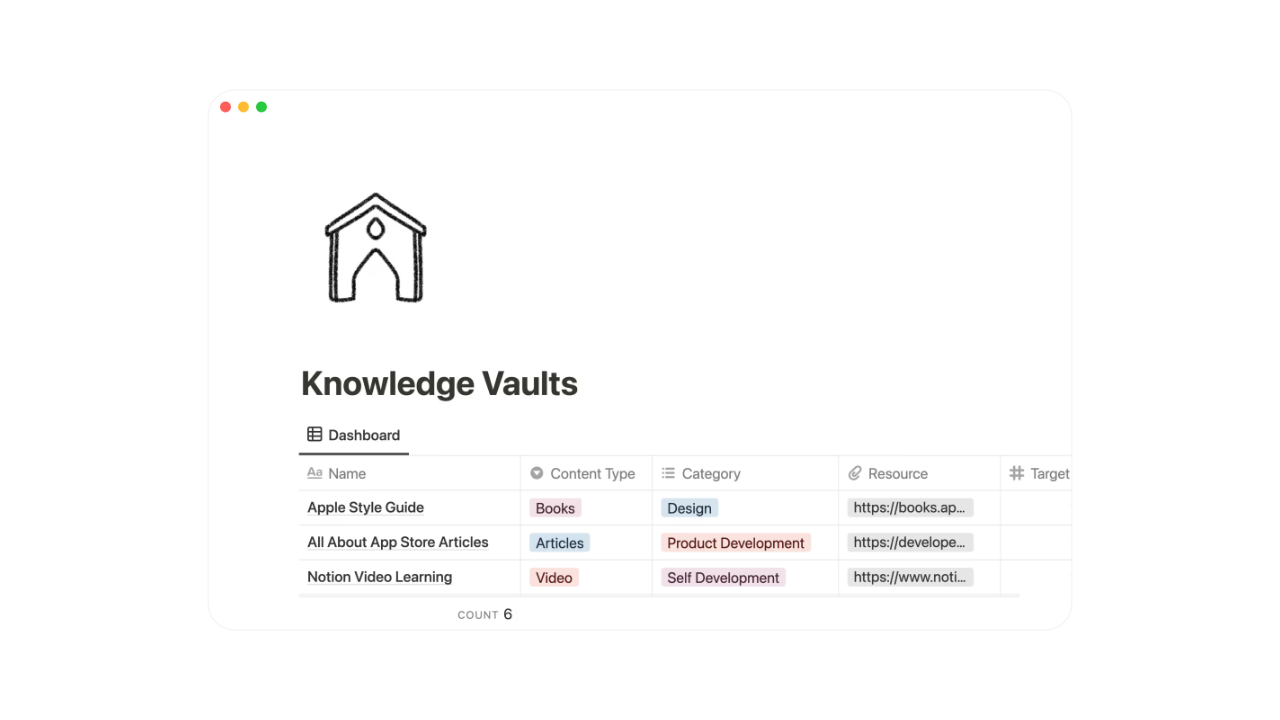
Knowledge Vault is designed as a secure repository for long-term information storage. It prioritizes organization and retrieval.
Key features
· Structured storage
· Categorized databases
· Reference management
· Clean archive system
· Long-term stability
Creator: Nyoman Kusuma
Template: Knowledge Vault
25. Starter Second Brain
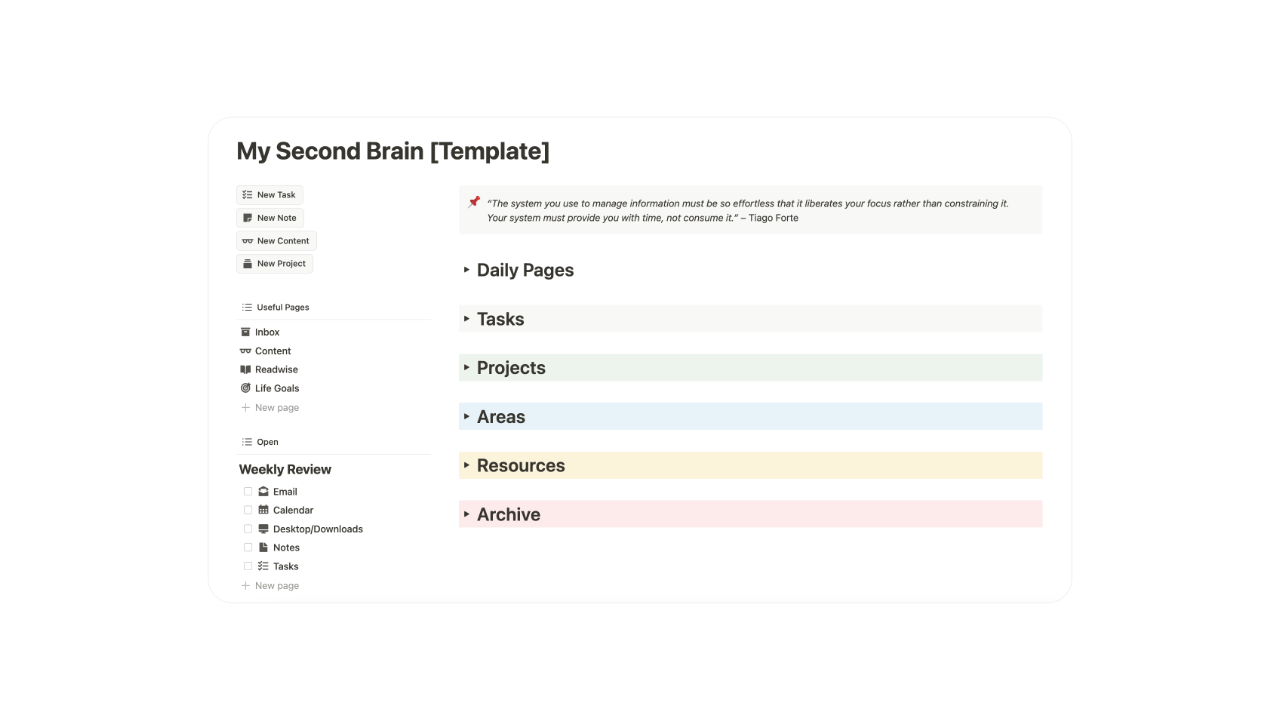
Starter Second Brain is an introductory template for users new to digital knowledge systems. It provides a gentle learning curve.
Key features
· Beginner-friendly layout
· Basic PARA structure
· Easy onboarding
· Simple dashboards
· Low complexity
Creator: Forte Labs
Template: Starter Second Brain
Building a Second Brain in Notion has become one of the most effective ways to manage information overload, improve focus, and turn ideas into action. A well-designed second brain system allows you to capture notes, organize projects, store knowledge, and retrieve information exactly when you need it. By centralizing everything in a single Notion workspace, you reduce cognitive load and eliminate the friction caused by scattered apps, folders, and tools. Whether you follow the PARA method, Zettelkasten principles, or a hybrid approach, the goal is the same: create a reliable external brain that supports thinking, planning, and execution over the long term.
Choosing the right Second Brain Notion template is critical for productivity and sustainability. The best templates are not just visually appealing, but structurally sound, scalable, and adaptable to real-life workflows. They help you connect notes to projects, align daily actions with long-term goals, and maintain clarity as your system grows.
As Notion continues to evolve, second brain systems remain one of the most powerful use cases for anyone seeking better organization, deeper thinking, and consistent productivity-making them an essential foundation for modern digital life.